This chapter describes and explains the menu bar and its contents.
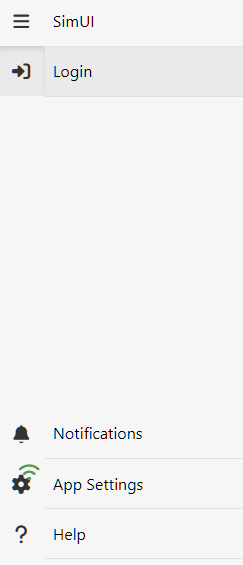
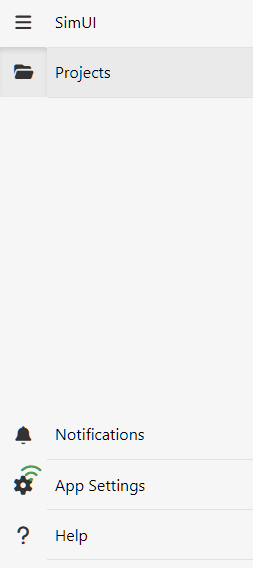
The menu can generally be accessed via any button on the left-hand side. The menu can be expanded using the menu button. This reveals the labels for the individual icons.
The scope of the menu depends on whether a user is logged into the application or not, and whether a project (local or server project) is open.
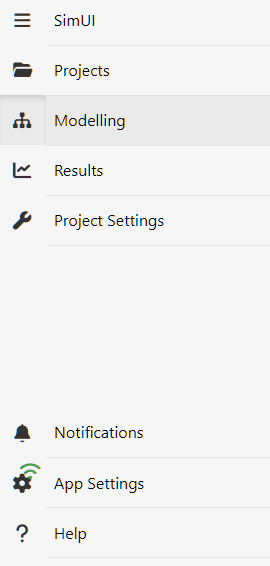
Menu with a logged-in user and an open project
If a user is logged in and has a project open, the menu is structured as shown in Figure 3.
Detailed information and explanations regarding the individual menu items can be found in the relevant chapters of this help section:
Figure 1 – Menu when not logged in |
Figure 2 – Menu when logged in |
Figure 3 – Menu when logged in and a project is open |
© SimPlan AG - Hanau District Court, Commercial Register (Part B) 6845 - info@simplan.de - www.simplan.de/en