This chapter describes and explains the interface elements of the SimLite application.
Contents
Once the user has successfully logged in to the application, they are taken to the project overview (see Figure 1).
Here, you can edit either projects created locally or projects stored on the server. A detailed description of the projects can be found in the chapters Local Projects and Server Projects.
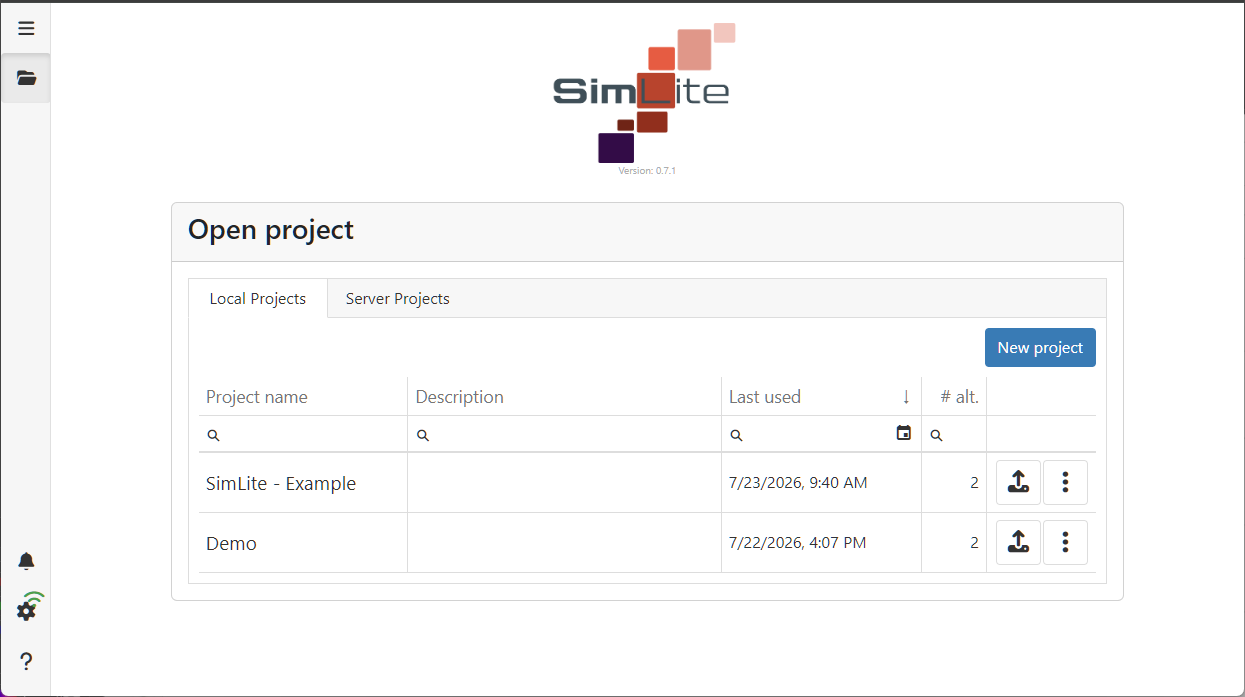
Figure 1 – Project Overview
© SimPlan AG - Hanau District Court, Commercial Register (Part B) 6845 - info@simplan.de - www.simplan.de/en