This chapter explains the general project options.
Contents
5. Visualize deviations from main alternative
Ticking this tick box ensures that, when creating a model, only those objects are selected for which valid connections can be created.
If this setting is disabled, all connections can be used. Connection validation is then completely disabled. This may result in value flows being generated that cannot be simulated.
The Show Grid and Snap to Grid tick boxes affect the display of the modeling interface. Selecting this option displays a grid in the modeling interface, which can simplify the arrangement of objects.
If this option is enabled, an X-axis and a Y-axis are displayed at the origin of the modeling interface.
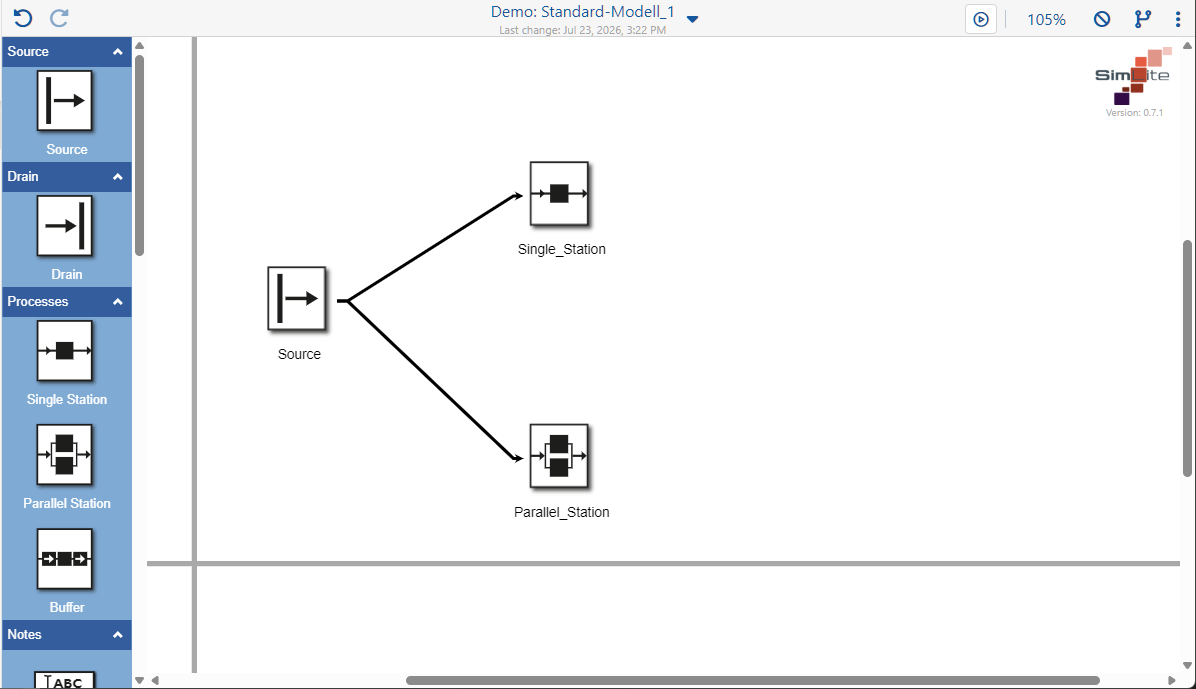
Figure 1 – Show Axes
If this option is enabled, guide lines are displayed in the modeling area to assist with arranging elements in parallel.
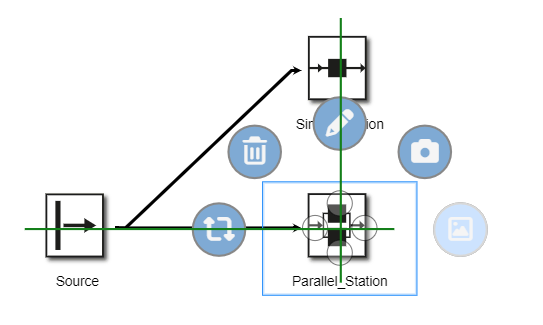
Figure 2 – Guided Drag & Drop
5. Visualize deviations from main alternative
In the other alternatives, each parameter value is compared with the corresponding parameter value from the main alternative.
The link is established via the object name and the types (“Class”): each parameter is compared with the parameters of the object with the same name and the same types in the reference model.
If no object with the same name/types exists in the reference model, the object in the current alternative is marked with a  in the current alternative
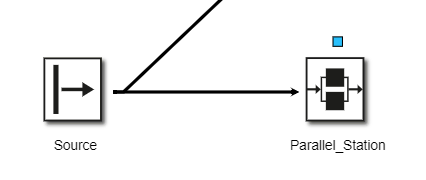
If at least one parameter of an object has a different value to that in the reference model and the Visualize deviations from the main alternative tick box is ticked, an icon is displayed above the object to indicate the deviation (see Figure 3).
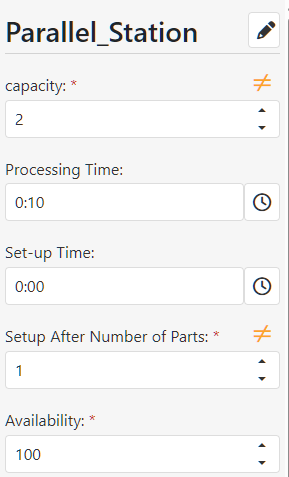
Via the Edit menu/side menu, the user can view these deviations and either change them manually or reset them to their original values by clicking on the  icon
Figure 3 – Parameter deviation |
Figure 4 – Reset value |
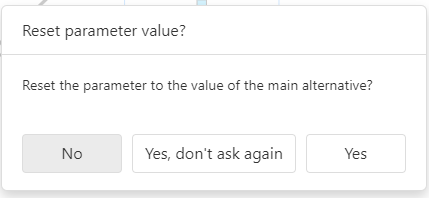
Figure 5 – Reset value dialogue box
Figure 6 – Information dialogue |

© SimPlan AG - Hanau District Court, Commercial Register (Part B) 6845 - info@simplan.de - www.simplan.de/en